







Ordnance Survey 1km x 1km Aerial Photography Tiles of Great Britain - OrthoRectified (no building lean)
GIS Raster Tiles - GeoTiff
OS Premium Licenced Partner • Official OS mapping • OS MasterMap Imagery Layer Raster Data
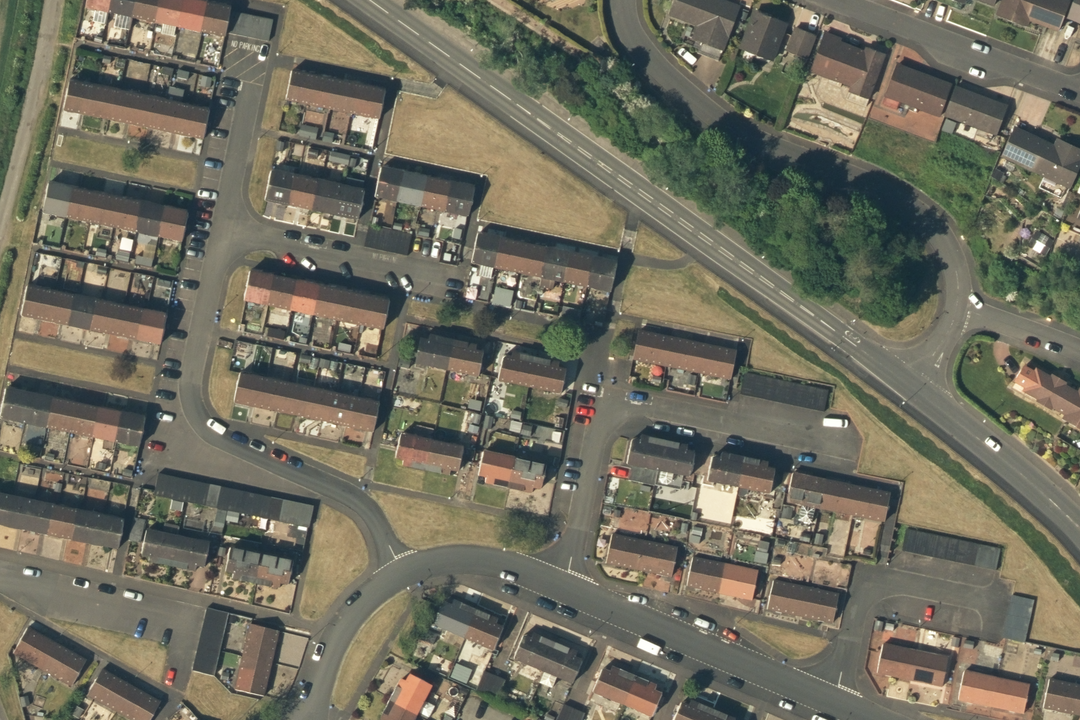
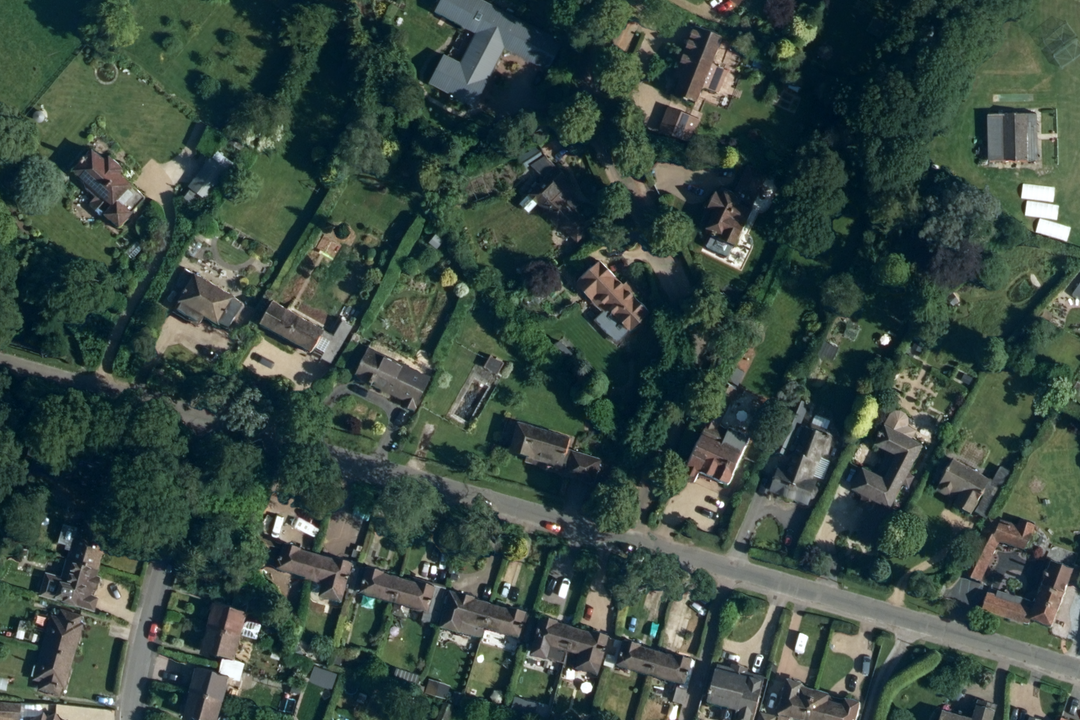
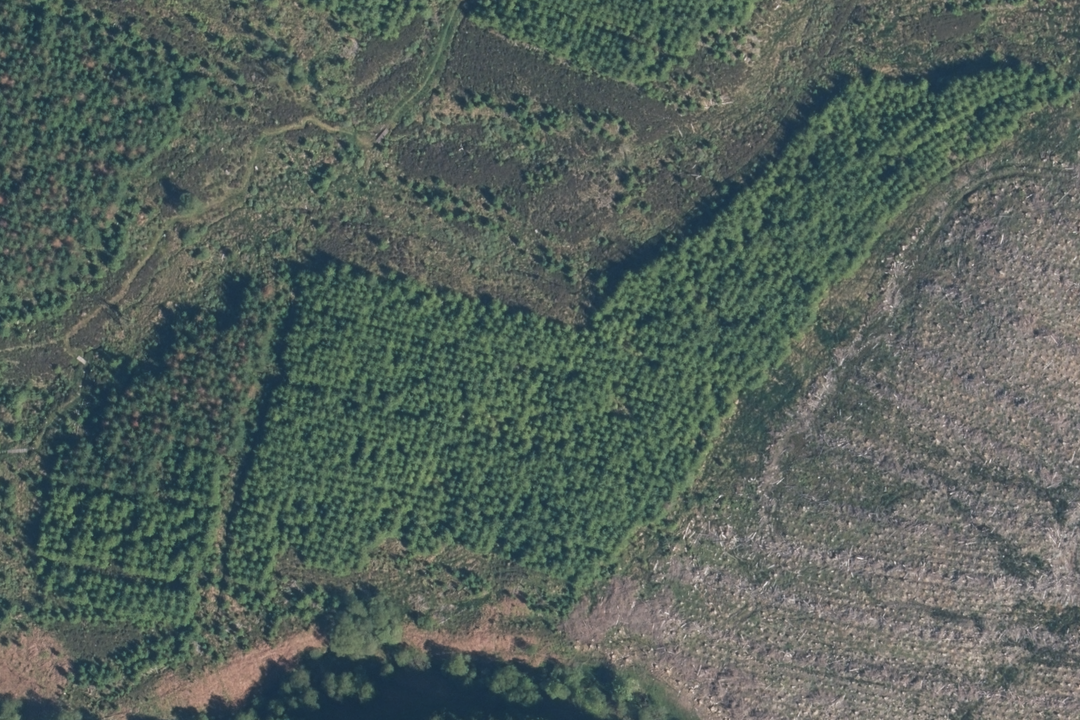
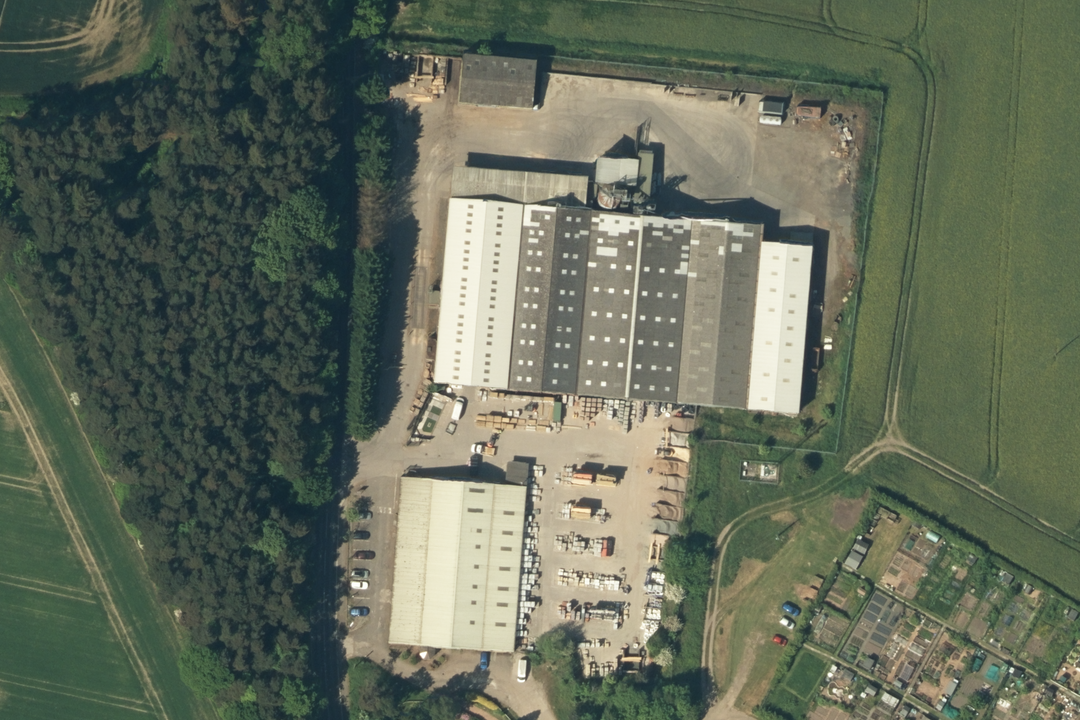
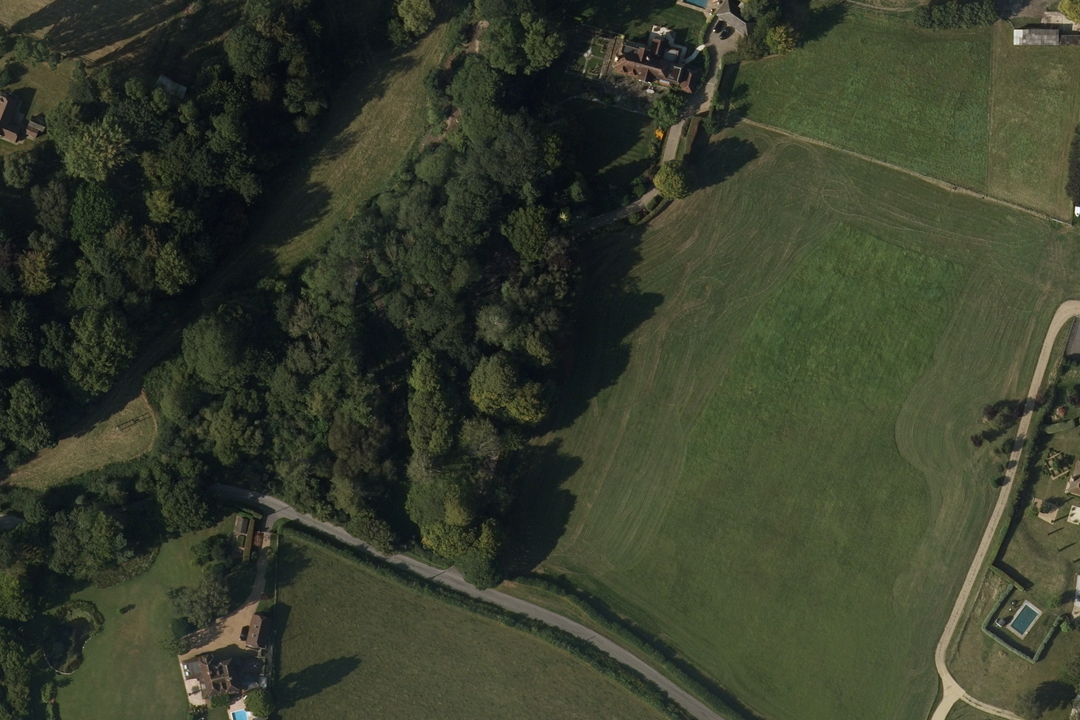
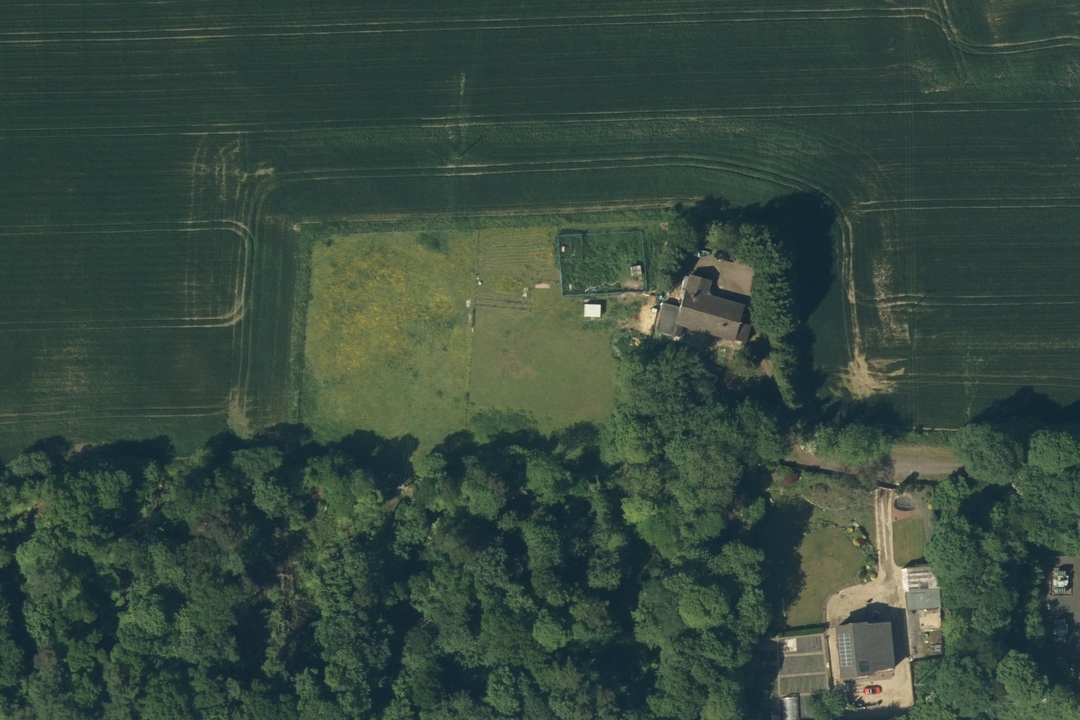
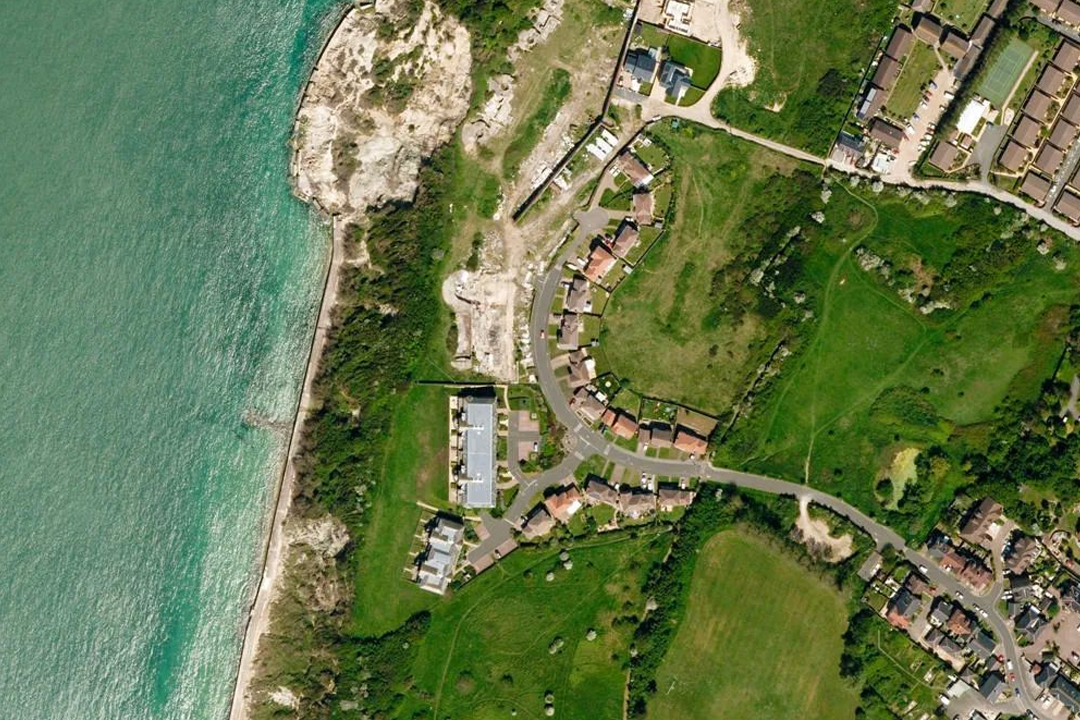
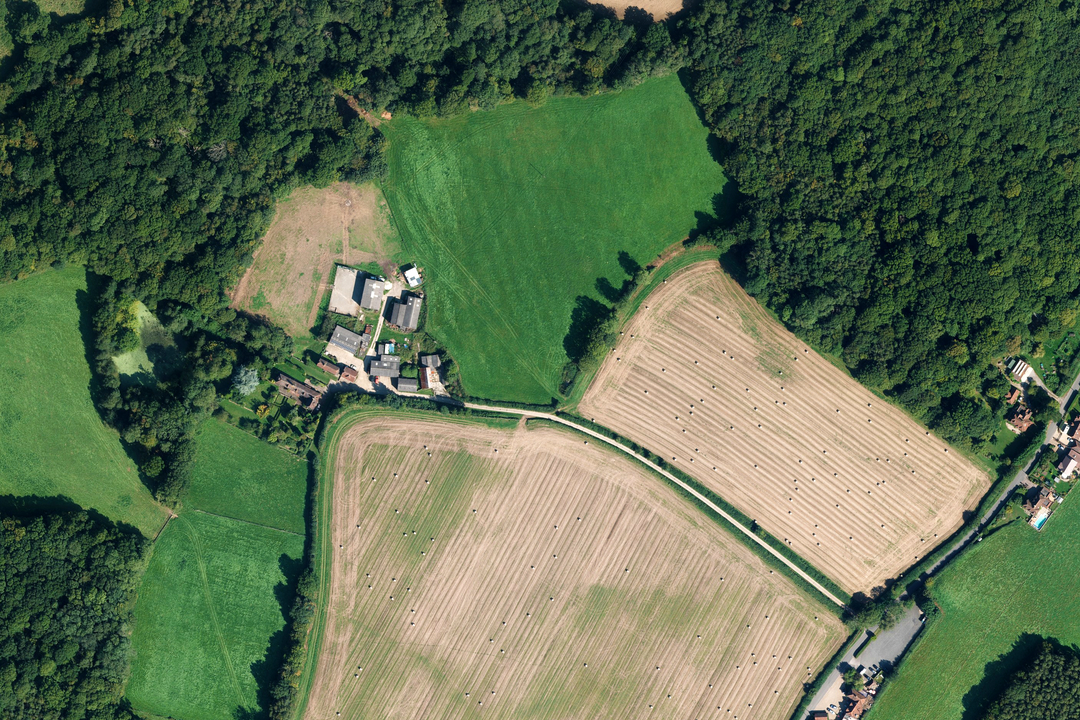
Residential estate - individual rooftops, gardens, parking bays and access roads all clearly resolved at 25 cm Suburban setting - detached properties, mature tree canopy and road junctions visible at full resolution Forestry and woodland - identify plantation blocks, fire breaks, clearings and vegetation boundaries Industrial site - warehouse footprints, loading yards and access routes framed against open farmland Rural property - paddocks, tree belts, formal grounds and field boundaries captured in one GeoTIFF Isolated farmstead - outbuildings, garden plots and surrounding arable land in full colour aerial detail Coastal landscape - beach, cliffs, golf links and settlement along the shoreline in a single section Working farm - arable fields, woodland edge and farm buildings in a custom rectangle sized to your project area
© Crown copyright and database rights 2026 OS AC0000848283
OS Aerial Imagery Sections
- Custom rectangle up to 4 km × 4 km
- GeoTIFF with TFW world file
- 25 cm resolution
- XML metadata (flying height, date)
- Orthorectified (no building lean)
- Full colour
- Best viewed 1:1250 to 1:10 000
- Email delivery ~20 minutes
OS MasterMap Aerial Imagery Sections - One File Sized to Your Project Site
An OS MasterMap Imagery Section is a single georeferenced GeoTIFF file cut to a custom rectangle or square that you frame around your project area. Unlike the fixed 1 km × 1 km aerial tiles which follow the OS National Grid, a section is sized to fit your site - up to 4 km × 4 km - and delivered as one file with no tile boundaries to manage. It is the simplest way to get OS MasterMap aerial imagery into a GIS or CAD project when you are working on a single site.
The imagery is sourced from the OS MasterMap Imagery Layer at 25 cm ground sample distance, orthorectified to remove building lean and aligned to the OS MasterMap Topography Layer. Each section ships with a TFW world file for georeferencing and intersecting XML files containing the nominal flying height and date flown for the imagery covering your area. The data is updated quarterly in February, May, August and November.
Frame your project area on the interactive map, pay online and the GeoTIFF section is emailed to you in around 20 minutes, seven days a week.
What Is an Aerial Imagery Section?
It is a single GeoTIFF raster image covering the rectangular or square extent you choose - no grid lines, no title block, no fixed tile boundaries. The file is georeferenced to British National Grid (EPSG:27700) and loads straight into your GIS or CAD project. Where the 1 km aerial tiles are ideal for building data libraries and covering larger areas systematically, sections are designed for single-site project work where you want one clean file that covers exactly the ground you need.
One File for One Site
Frame a custom rectangle or square around your project area and receive a single GeoTIFF. No tile boundaries running through your site, no multiple files to mosaic - just one image that covers exactly the extent you specified.
Up to 4 km × 4 km
Sections can cover up to 4 km × 4 km, giving you enough room for a development site and its surrounding context. Sizes smaller than 4 km × 4 km work just as well - frame only the area your project requires.
Add OS MasterMap Vector Data
Add OS MasterMap as a bolt-on within the order options on this page and receive vector boundaries, building outlines and TOIDs alongside your aerial imagery in one delivery. In a GIS the MasterMap lines look great on top of the aerial - or order separately from our OS MasterMap GIS page.
Unlimited GIS Outputs Under Licence
Your OS licence permits unlimited PDF or image outputs from your GIS software at any scale. Print as many map sheets as your project requires from the section data - there is no per-print charge on top of the licence fee.
Covering a Larger Area or Building a Data Library?
If your project spans a wider region, or you are building an imagery holding that you plan to update and extend over time, our 1 km × 1 km aerial photography tiles are the more efficient choice. Tiles follow the OS National Grid, join seamlessly and can be added to incrementally as your coverage needs grow. Sections are best when you need a single file for a single site-specific project.
Not a GIS User?
If you do not use GIS or CAD software and just need a printed aerial photograph of a specific site, our ready-to-use aerial extracts are the easier option. They arrive as a PDF, TIFF or JPG at the scale and paper size you choose - no specialist software required:
1:1250 Aerial Imagery Extract - close-up detail of a single property or small site.
1:2500 Aerial Imagery Extract - wider coverage for farms, estates and multi-field holdings.
When Do I Need an Aerial Imagery Section?
Aerial sections are for GIS and CAD professionals working on a defined project site who want a single imagery file covering their area of interest. Common users and uses include:
Site-Specific Planning & Design
Architects, planning consultants and urban designers load the section beneath their design drawings to see how the proposed development sits within the real-world landscape. One file, one site - no surplus data to manage.
Pre-Survey Desk Study
Surveyors and engineers use the aerial section to assess ground conditions, access points, tree positions and boundary features before mobilising to site. A 20-minute delivery means the imagery can be in your GIS before the site visit is even scheduled.
Environmental Impact Assessment
Ecologists and environmental consultants use the section as a photographic evidence base for habitat mapping, tree canopy assessment, hedgerow connectivity analysis and land-use change documentation within a defined study boundary.
Property Valuation & Insurance
Valuers, loss adjusters and underwriting teams load a section into their assessment platform to verify property extents, outbuildings, access arrangements and neighbouring land use for a specific address or portfolio cluster.
Utility & Infrastructure Projects
Utility companies, pipeline operators and telecoms providers use aerial sections to assess corridor routes, check access, identify vegetation encroachment and plan maintenance work for a defined stretch of their network.
Agricultural & Estate Assessment
Land agents, agronomists and rural surveyors use sections for crop reviews, field boundary checks, drainage analysis and farm-level land classification. The custom extent covers the holding without paying for surrounding tiles you do not need.
CAD Site Design & Engineering
CAD technicians load the section as a backdrop in AutoCAD or MicroStation, trace building footprints, road alignments and landscape features, then present the combined drawing to clients with the real-world photograph behind the design.
Flood Risk & Drainage Studies
Flood risk consultants and drainage engineers use the aerial section to trace watercourse alignments, spot standing water, identify culvert headwalls and understand surface water flow paths across a catchment before conducting a detailed ground survey.
Further Reading
Not sure whether you need sections or tiles? These guides explain the options:
- OS MasterMap Aerial Imagery: Sections vs Tiles Explained
- What Are Geographic Information Systems (GIS)?
- What Is Aerial Imagery? An OS MasterMap Guide
About UK Map Centre LLP